Syncing Christmas lights to music
Our first synchronized show went up in 2010. Here's how a display goes from lights that just turn on to lights that move with a song.
The parts
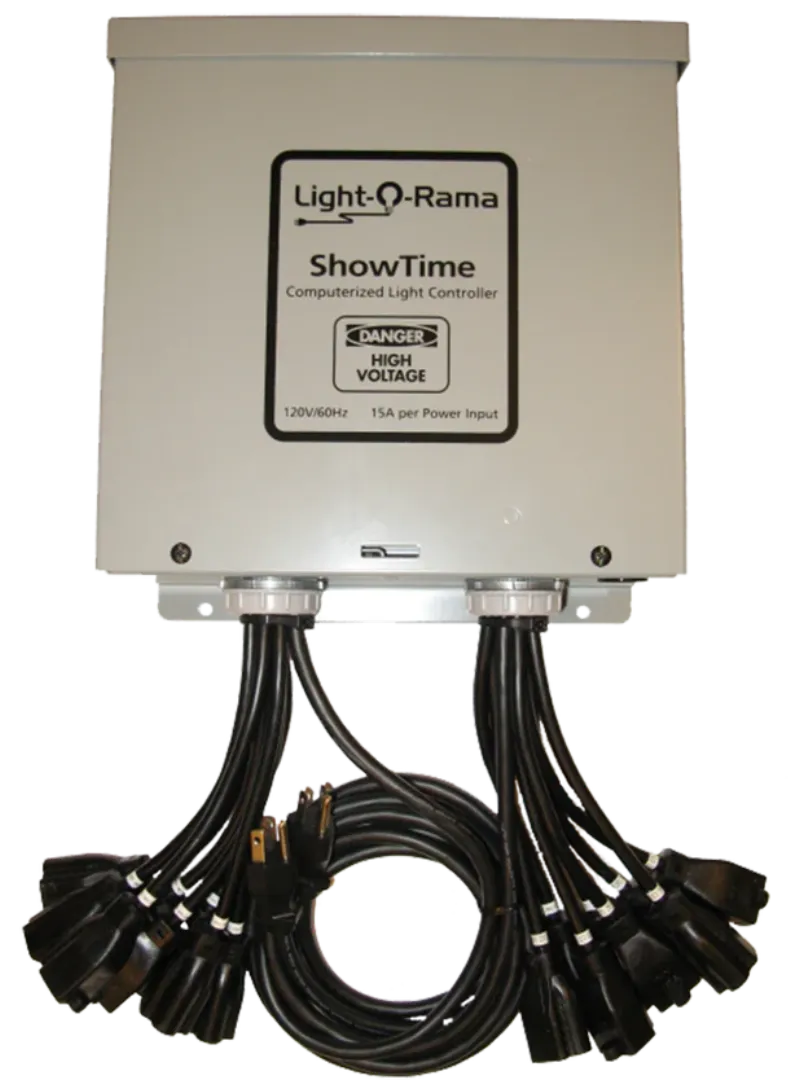
Software on a computer lays out what every light does during each song. A controller takes those commands and switches the lights. An FM transmitter sends the music to car radios out front.
Pixels and channels
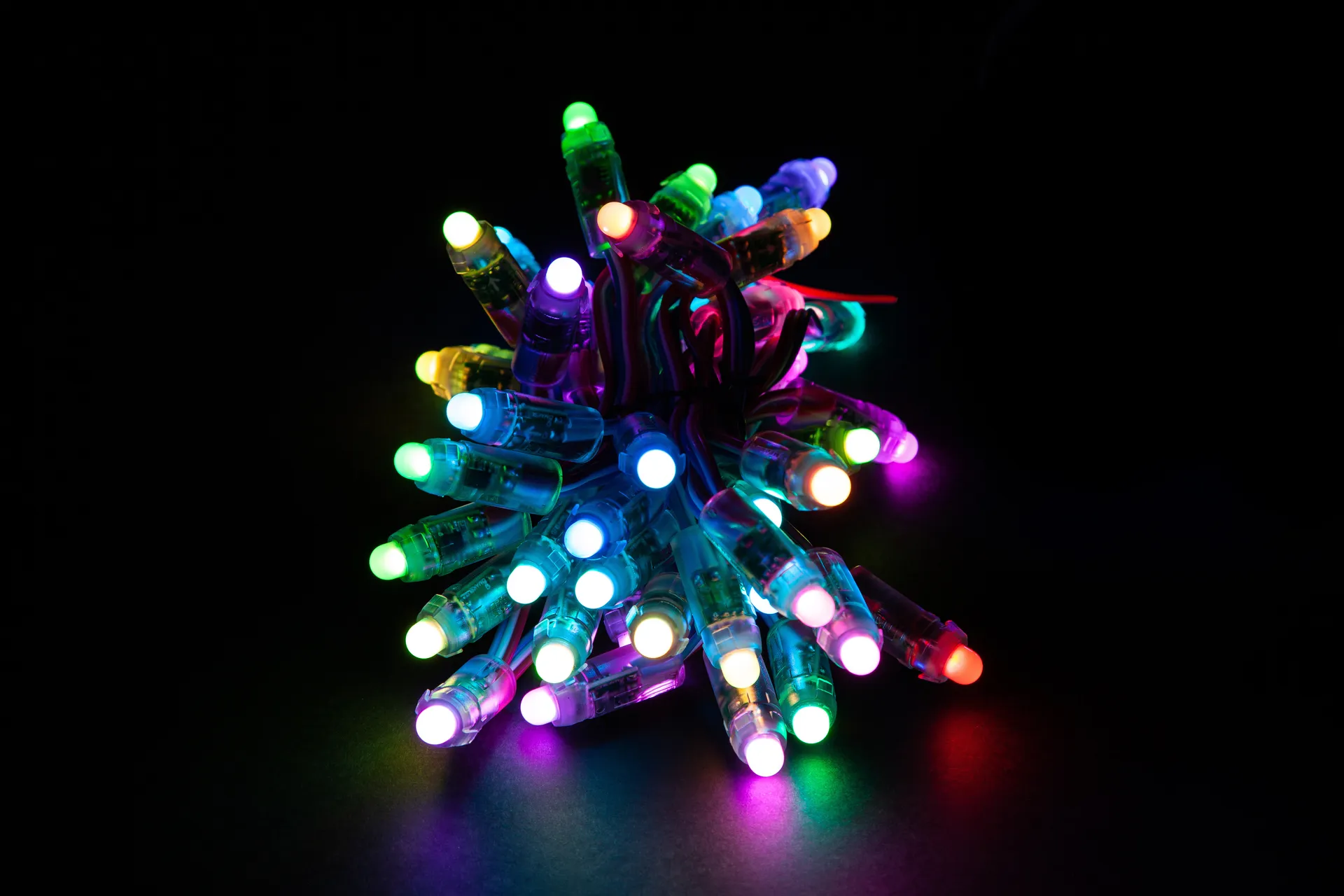
A pixel is a single bulb the computer can set to any color. A channel is anything the computer can switch on, off, or dim, so one color pixel counts as three channels (red, green, and blue). Older shows ran on plain strands, one channel per strand. Many newer ones use pixels, and plenty mix the two.
The software
We sequence in Light-O-Rama's S5 software. xLights is a free alternative that a lot of hobbyists use. Both show your house on screen and let you paint effects onto it in time with the music.
Sequencing takes time
Sequencing means programming the lights for one song, beat by beat. We still tap out the beat of each song by hand before building the effects on top of it. It's slow work, but it's what makes the lights land on the beat.
The radio part
The music goes out through a small FM transmitter that only reaches the street. Ours is wired straight into the show computer, so the radio and the lights stay in step.
If you want to try it
Start with one song and one small part of the house, like a window or a single tree. Both Light-O-Rama and xLights have user forums and plenty of tutorials, so read up before you buy hardware, and work out your power plan before you buy controllers.
Before you start, read the safety guide. If you're still choosing lights, start with picking Christmas lights for your house.